AT A GLANCE
Included does not mean unlimited! E3 and E5 cover the basics, but premium features and repeated monitoring checks can need more capacity. Even E7 has limits..... use the worked examples and calculator to check what the tenant actually needs.
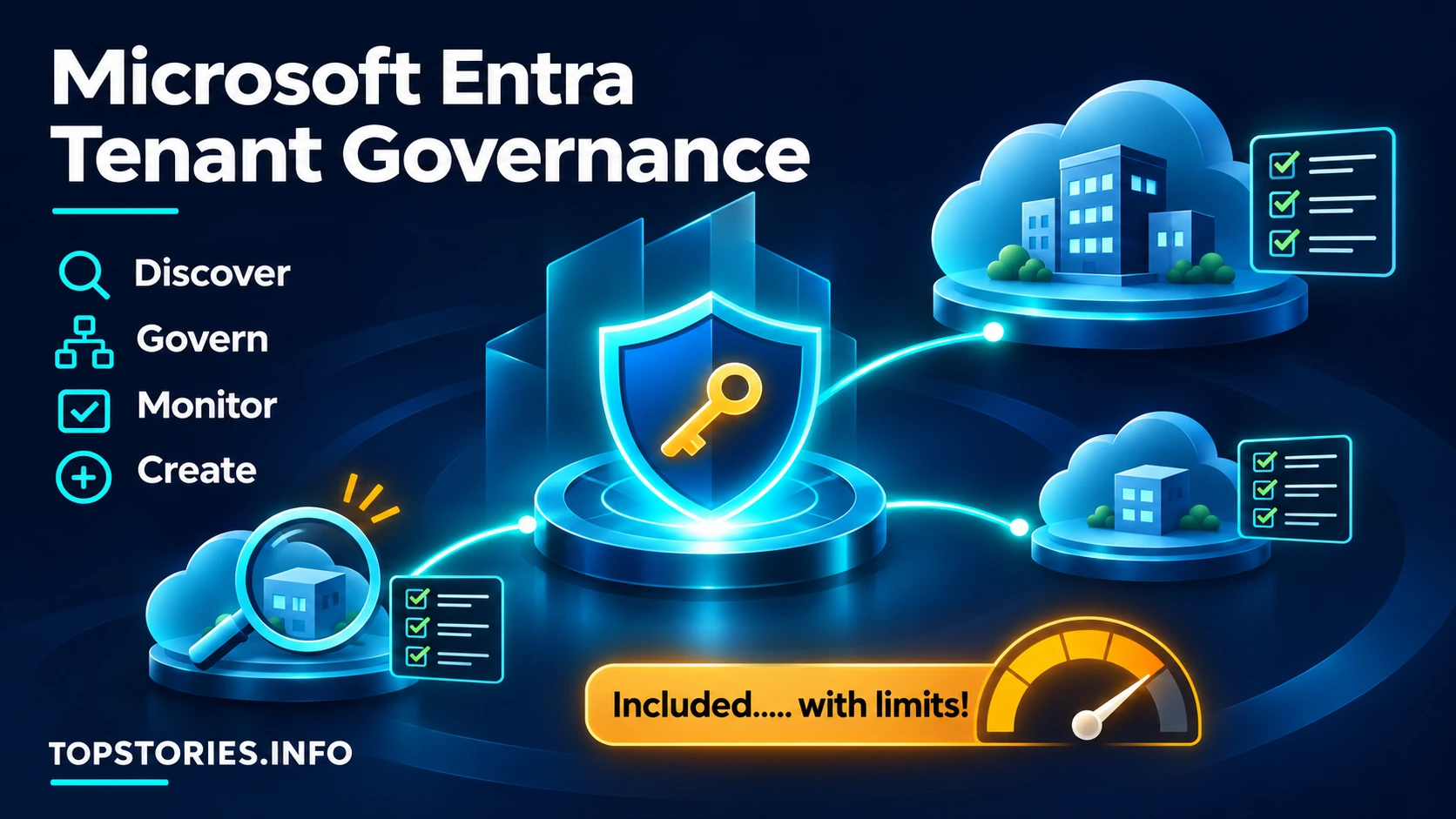
Microsoft’s Entra Tenant Governance (opens a new tab) is generally available, helping organisations discover related Microsoft cloud environments, administer them centrally and detect changes from approved settings..... including those “temporary” test environments everybody forgot about!
Microsoft 365 E3 and E5 already include basic configuration monitoring, snapshots and delegated administration. Both need Entra ID Governance or Entra Suite for related-tenant discovery and custom application provisioning. E5’s Entra ID P2 does not include those extras. E7 includes them through Entra Suite. Licensing details (opens a new tab)
Premium agent controls add another layer: E5 needs Agent 365; E3 needs Agent 365 plus Defender Suite and Purview Suite. E7 includes these components. Agent 365 licensing (opens a new tab)
BUT..... included does not mean unlimited!
The base allowance covers 800 monitoring resource checks per tenant daily, plus 20,000 snapshot resources monthly. Microsoft’s six-hour counting example means 200 configured items checked four times daily..... NOT 800 different policies! How Microsoft counts (opens a new tab)
Each qualifying ID Governance, Entra Suite or E7 licence adds 10 daily checks and 35 monthly snapshot resources. Expanding coverage can therefore require more qualifying licences (opens a new tab)..... even with E7! Read the capacity guide for worked examples and a calculator.
Agent 365 itself currently has no consumption charge. Separately, running agents can consume chargeable services such as Copilot Credits..... another meter to watch! Microsoft’s guidance (opens a new tab)
THE SOURCE / FURTHER READING
Want the full feature?
You’ve read the TOP STORIES interpretation. Continue to the publisher for the source feature or detailed guidance.
Read the original feature at Microsoft (opens a new tab)