AT A GLANCE
An unexpected email looks suspicious; the same request in Teams can feel routine. Criminals exploit that trust with fake support, invoices and meeting messages. Check external access and phishing protection..... and keep practical staff training current.
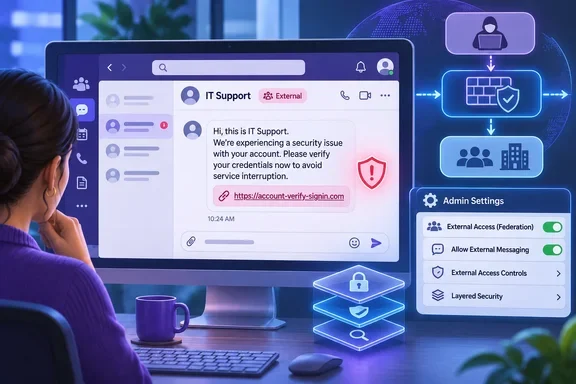
An unexpected email raises suspicion.
The same request arrives in Teams..... and people relax.
Criminals exploit that trust with fake IT support requests, urgent invoices and convincing meeting messages. Somebody clicks, enters credentials or grants remote access..... and opens the door.
Akamai’s wider research records scam detections (opens a new tab) roughly doubling. Different tricks..... still exploiting human trust.
Once again, the human remains the weakest link. Verify unexpected requests through a known contact route, follow approval procedures and report suspicious activity immediately.
A familiar app can carry a very unfamiliar criminal!
THE SOURCE / FURTHER READING
Want the full feature?
You’ve read the TOP STORIES interpretation. Continue to the publisher for the source feature or detailed guidance.
Read the original feature at Windows Forum (opens a new tab)